The Best Resin Printers of 2026 (FULL GUIDE)
What actually matters beyond resolution, specs, and marketing hype
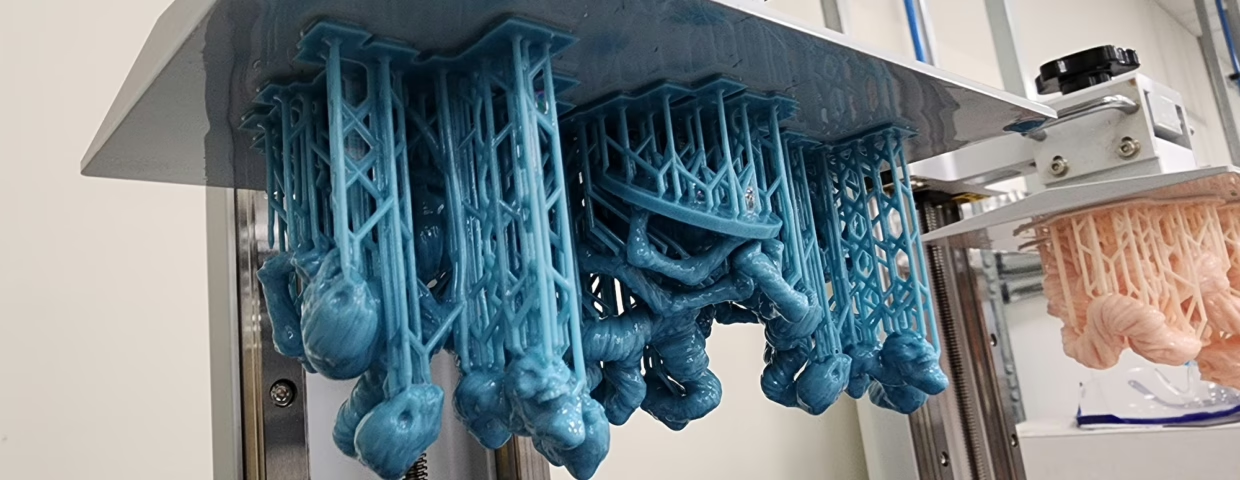
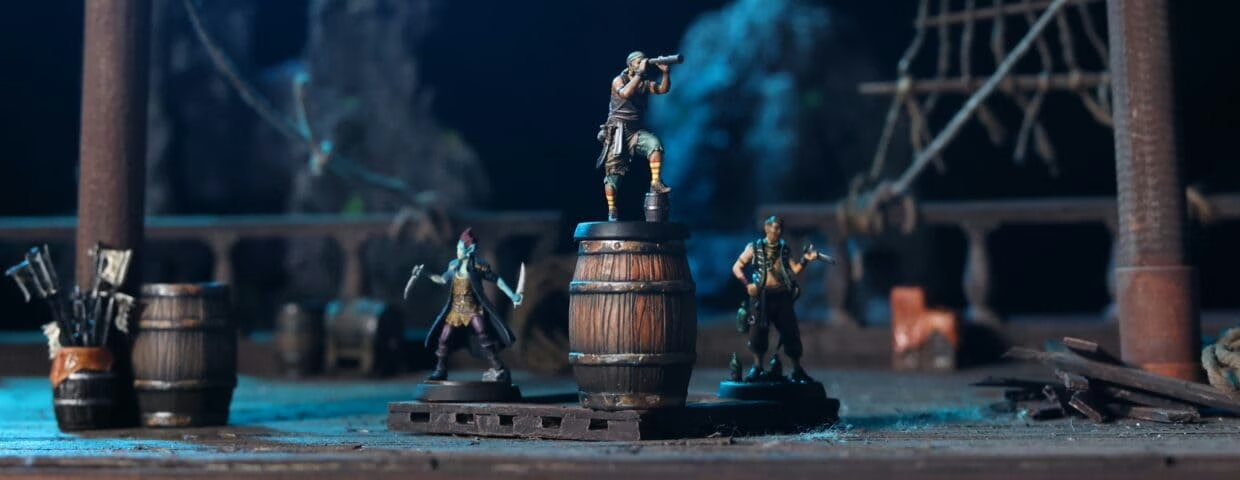
You’ve spent hours staring at a digital sculpt, zooming in on the micro-scratches on a paladin’s breastplate. Then comes the moment of truth. You peel the supports away, dunk the model in the wash, and there it is—the quality threshold moment. The facial expression you thought was too subtle actually made it. The armor scales are sharp enough to catch the light. The sword isn’t a wobbly, layer-lined mess.
This is the point where you realize FDM simply can’t compete for heroes printed with resin printers. Once you see that first batch of crisp, museum-grade resin survivors, you won’t go back. But getting there without making an expensive mistake is becoming harder. Let’s cut through the noise and talk about what actually puts legends on your tabletop.
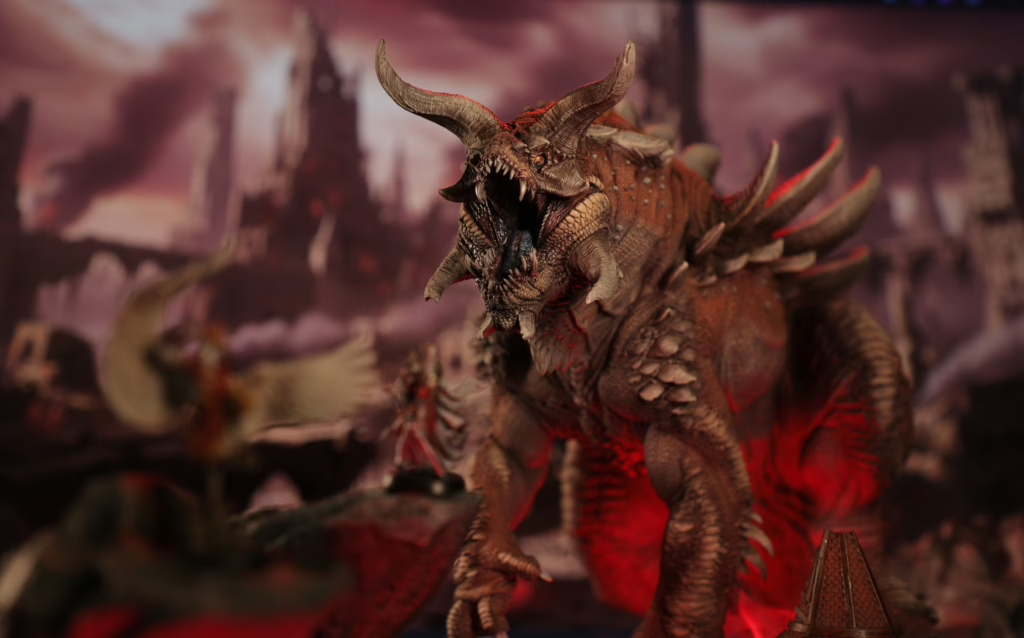
Is 16K worth it in 2026? (The Resolution Reality)
Walk into any hobby group and the “K wars” are still raging. But here’s the no-nonsense truth: after you drop below the 22-micron (µm) threshold, the screen resolution isn’t your bottleneck anymore—the resin is. Light bleed and natural diffusion within the liquid mean that an 18µm pixel doesn’t automatically give you a sharper sword than a 22µm one.
At this level, your exposure calibration and anti-aliasing settings do more for your surface finish than another few thousand pixels on the LCD. Don’t chase a 16K sticker if it means sacrificing Z-axis rigidity or a reliable heating system. High pixel density is great, but it makes the screen replacement cost a serious factor in your long-term hobby budget. 920
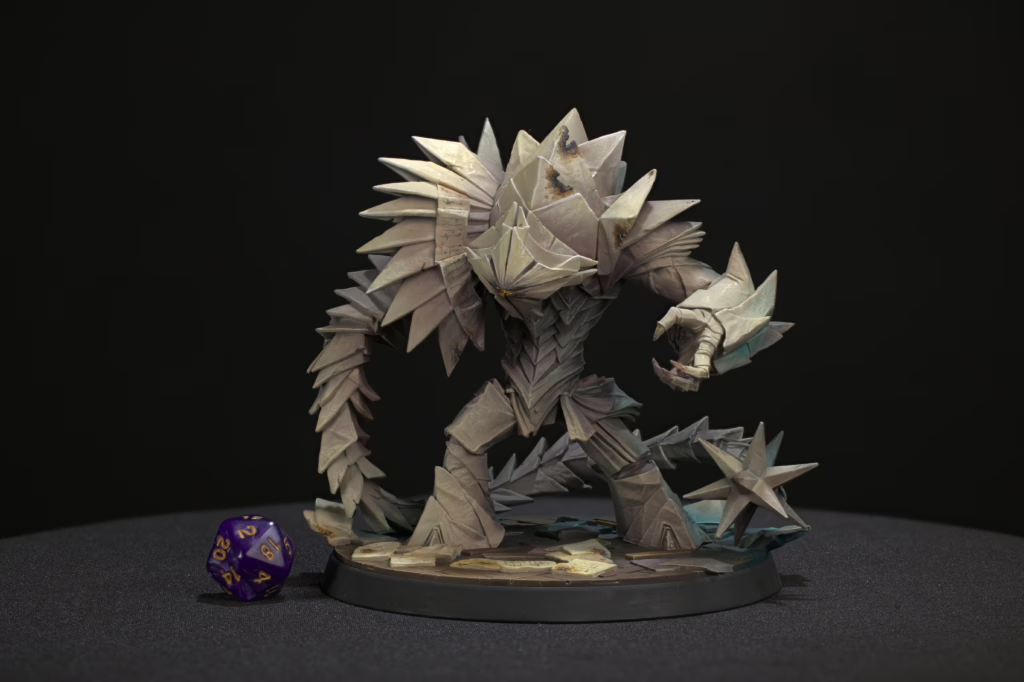
What actually improves print reliability?
If you want to avoid a critical failure mid-print, these specs are your real priority:
- Temperature Stability: This is non-negotiable. Resin viscosity changes with the weather. If your vat isn’t hitting that 25–30°C sweet spot, your exposure will be inconsistent, and your “dialed-in” settings will fail the moment a cold front hits.
- Z-Axis Construction: A ball screw mechanism is the gold standard here. It reduces the mechanical wobble that creates those annoying horizontal lines on your beautiful statues.
- Peel Mechanics: The “tilt-release” or “pulsed-air” systems are the real heroes. They reduce the suction force that tries to rip your mini off the build plate every time it lifts.
2026 Resin Printer Comparison Table
| Printer | Screen Size | XY µm | Heating | Peel System | Ecosystem | Best For |
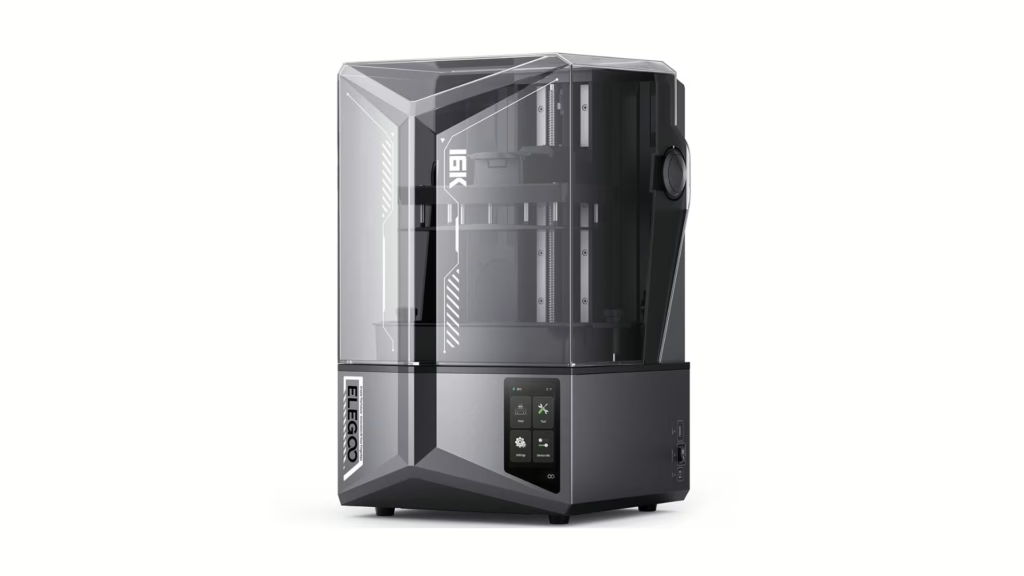
| Mars 5 Ultra | 7″ (9K) | 18µm | No* | Tilt-Vat | Open | Detail-First Hobbyists |
| Reflex RS Turbo | 10″ | 24µm | Yes | Pulse-Release | Semi-Closed | Frictionless Workflow |
| Saturn 4 Ultra | 10″ (12K) | 19µm | Optional | Tilt-Vat | Open | Value & Speed |
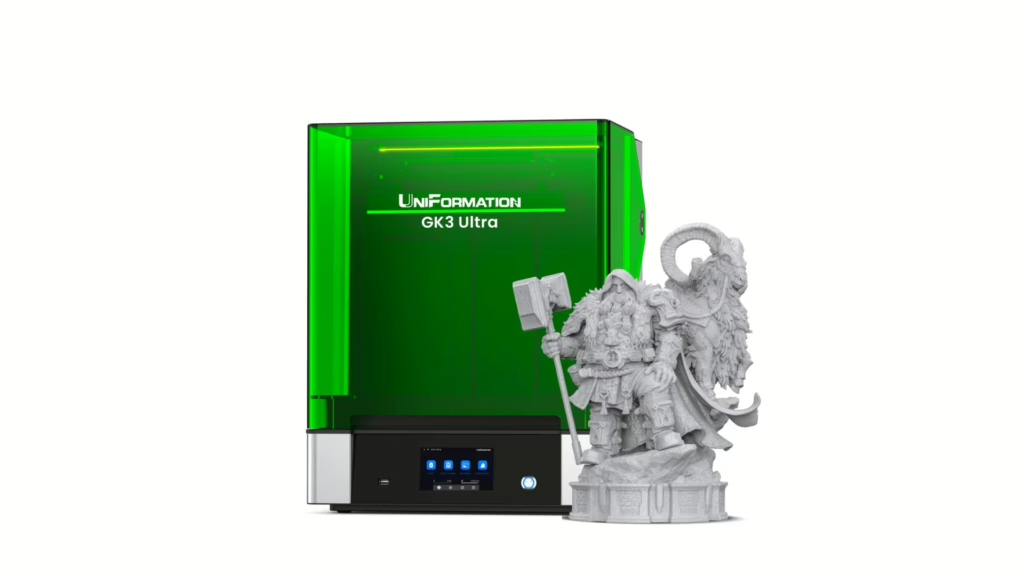
| GK3 Ultra | 13.5″ (16K) | 20×26µm | Yes | Lift | Open | Large Statues & Terrain |
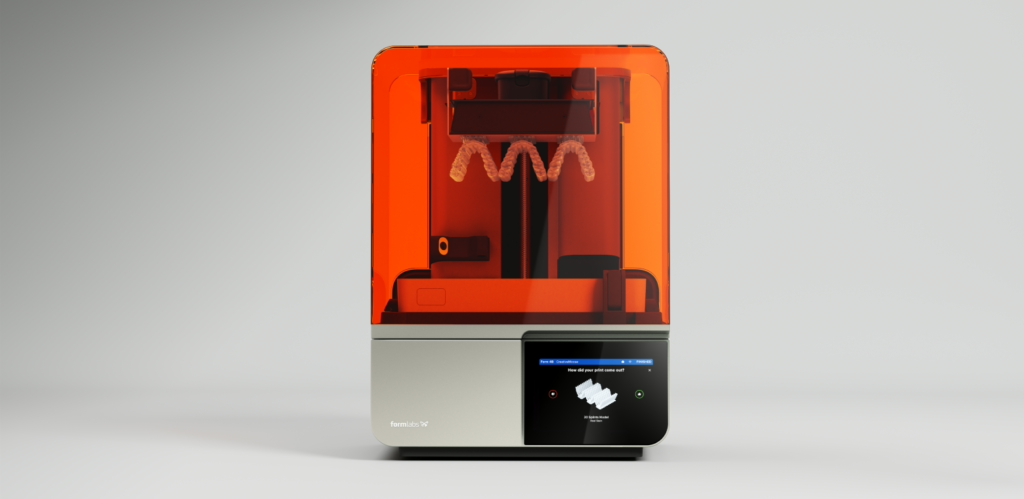
| Form 4 | 10″ | 50µm* | Yes (IR) | LFD Flexible | Closed | Professional Production |
*Note: Form 4 uses LFD tech to achieve higher precision than the 50µm pixel size suggests.
Which resin printer requires the least calibration?
The Workflow King: HeyGears Reflex RS Turbo
If you hate tinkering and just want to print, the HeyGears RS is workflow-optimized. It uses a semi-closed ecosystem—think of it as the “Apple” of resin printing. You use their slicer and their resins, and it just works. The Z-axis is a C5-grade industrial module that’s as stable as a mountain.
- Trade-off: You’re paying a premium for the resin and the locked ecosystem.

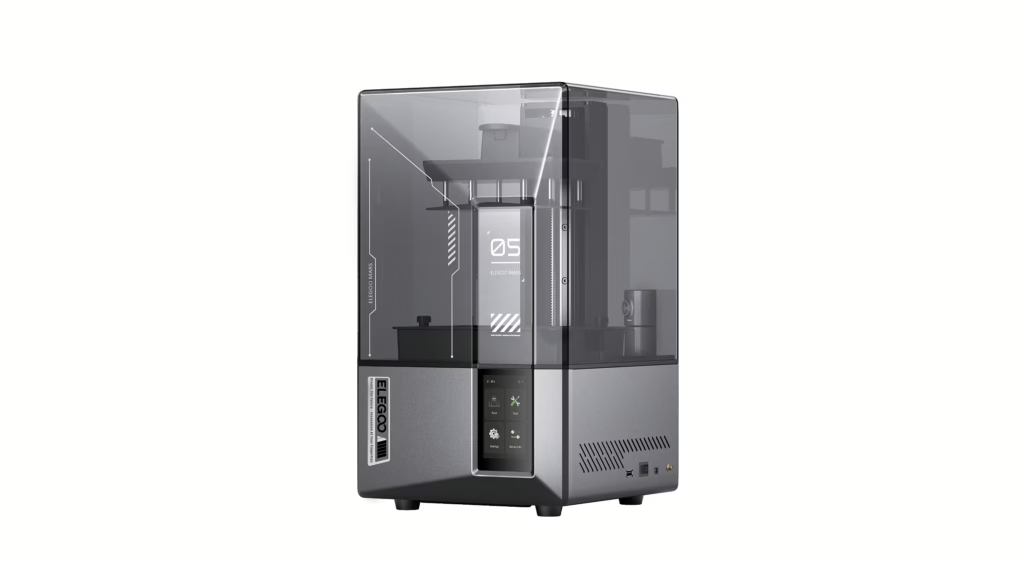
The Detail Specialist: Elegoo Mars 5 Ultra
For 32mm heroes, this is brutally precise. It hits that 18µm pixel size, and the tilt-release vat is a game-changer for fragile supports.
- Trade-off: It’s a small volume. You won’t be printing many dragons in one piece here.
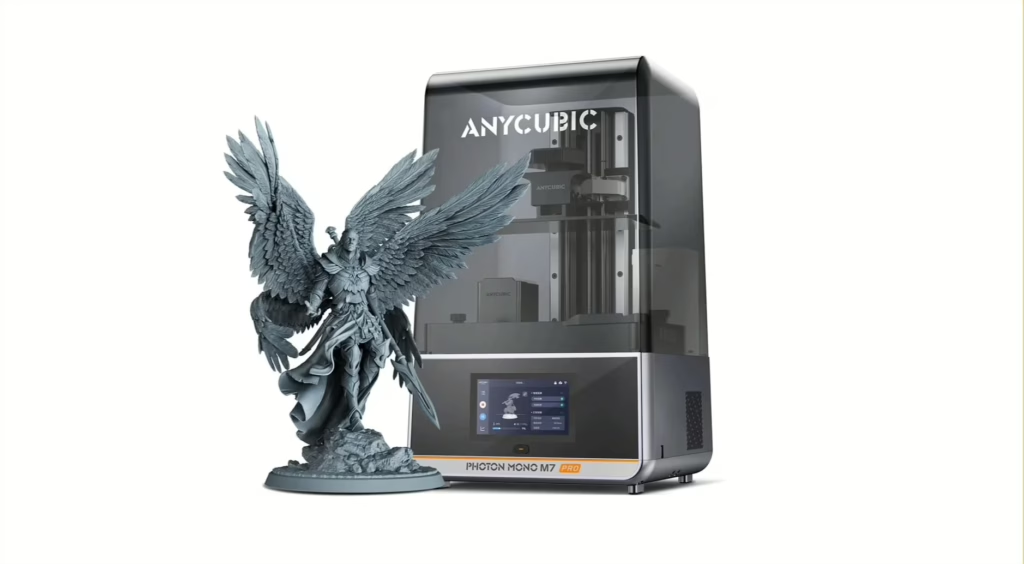
The Value Workhorse: Anycubic M7 Pro / Saturn 4 Ultra
These are the battle-tested 10-inch printers. The M7 Pro includes an integrated resin heater and auto-fill, which reduces the “winter failure” risk significantly.
- Trade-off: They require more frequent FEP replacements due to the high-speed peel forces.
The Big Guns: GK3 Ultra
Need a helmet or a cat-sized dragon? The GK3 Ultra is the large format printer choice for 2026. It actually has built-in heating and a resin feeder, which is critical when a single print takes half a bottle of resin.
- Trade-off: Larger build plates mean higher failure costs. One mistake here is expensive.
The Industry Standard: Formlabs Form 4
If you’re running a business, the Form 4 is among the most repeatable desktop systems available. It uses Low Force Display (LFD) to minimize the stress on the part during the print.
- Trade-off: It’s not optimized for “miniature” detail levels compared to the cheaper 18µm machines, but for engineering or production, it’s the gold standard.
Hardware vs. Process: The Insider Truth
Here’s something most reviews skip: even a $5,000 industrial machine will fail if your supports are garbage. A high-end printer reduces friction—it doesn’t replace skill. Process still beats specs. Even with auto-leveling and AI cameras, you still need to learn how to orient your models to handle suction. The machine just makes sure the Z-axis doesn’t wobble while you do it.
Who this is not for
- The Heavy Tinkerers: If you enjoy rewriting firmware or building your own light engines, avoid the HeyGears or Formlabs. They are “black boxes” designed to stay closed.
- The Open-Resin Experimenters: If you love mixing random industrial resins from eBay, stick to the Elegoo or Anycubic lines. They don’t care what you pour in the vat.
Final Recommendation
Pick the printer that fits your workflow, not the one with the loudest spec sheet. If you want the thrill of high-detail printing without the “failed print” headache, start with our Free Mini Pack. Every file is pre-supported and tested on these exact machines.
Ready to stop guessing your exposure times and start winning? Check out our 3D Printing Hero course. It’s my personal blueprint for getting perfect results on the first try so you can spend less time cleaning vats and more time at the table.
See you in the workshop.
Loot Studios can help you paint highly detailed minis, statues, terrains and props. Choose your favorite bundle from our previous releases or sign up for Fantasy or Sci-Fi to receive a new bundle every month. You can also check out some tips on our YouTube Channel.

Robert, also known as Rob, is an artist, English teacher, and lifelong RPG enthusiast. When he’s not sketching worlds or guiding learners through language, he’s diving into dice-rolling adventures and uncovering the magic that makes tabletop storytelling unforgettable. Fuelled by imagination and curiosity, Rob has spent years immersed in the RPG community, studying its stories, creatures, and creativity. He currently works in the marketing department at Loot Studios, where his passion for fantasy, minis, and the RPG universe fuels everything he does. Always with one foot in the real world and one in the realms of adventure, Rob celebrates art, language, and the joy of bringing ideas to life, whether at the table, in class, or behind the scenes.