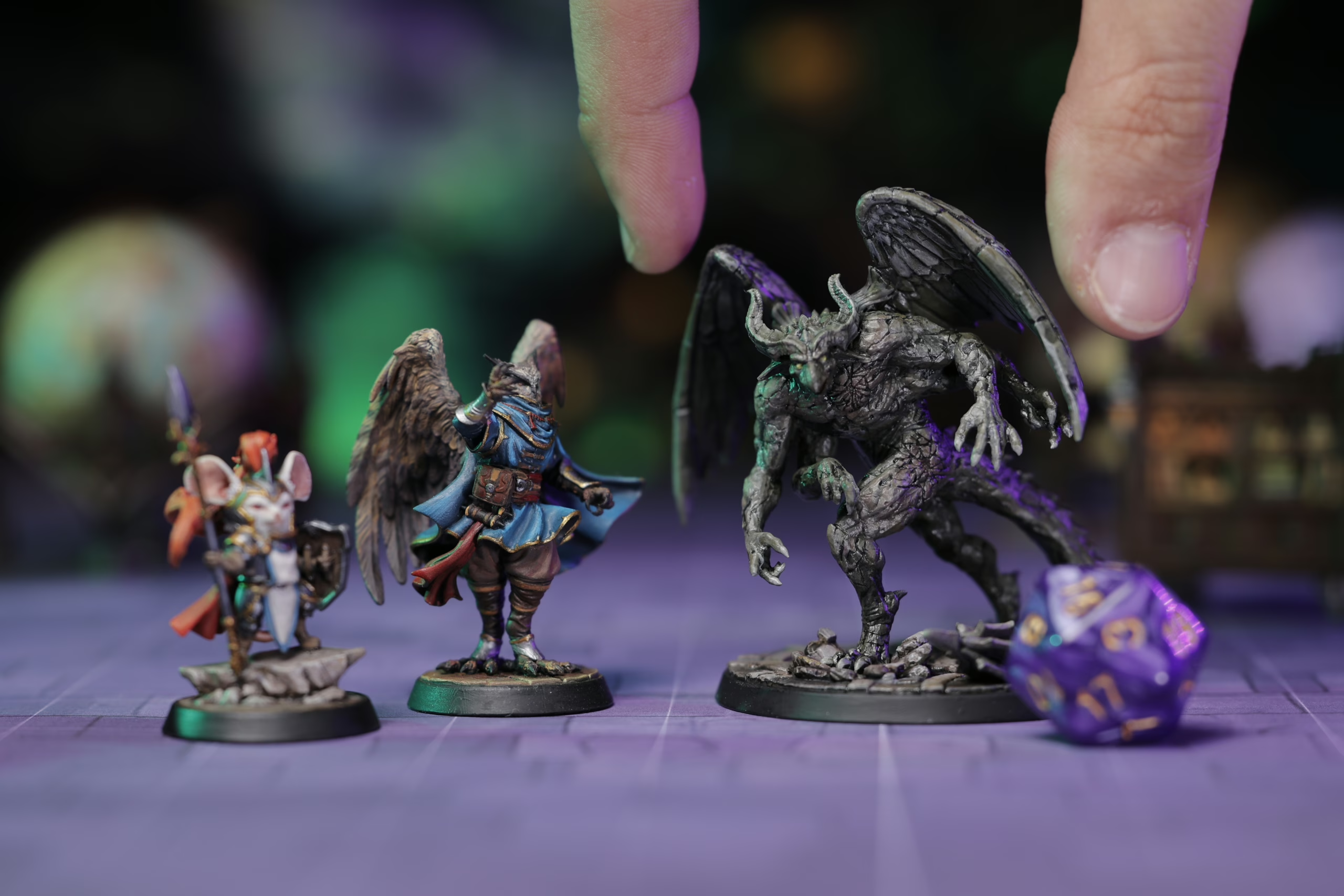
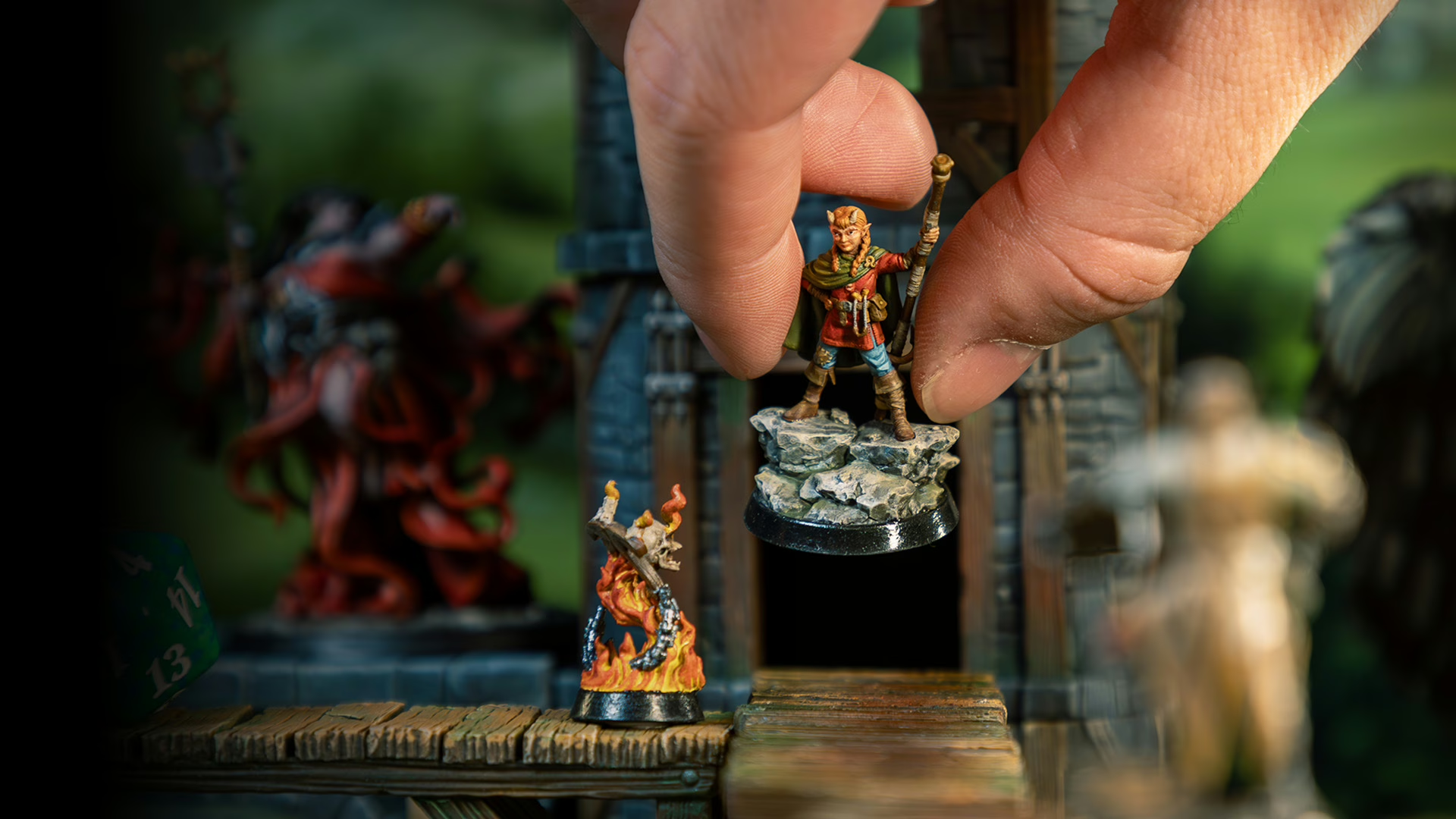
How Loot Studios Work
Subscription, Bundles & STL Files Explained
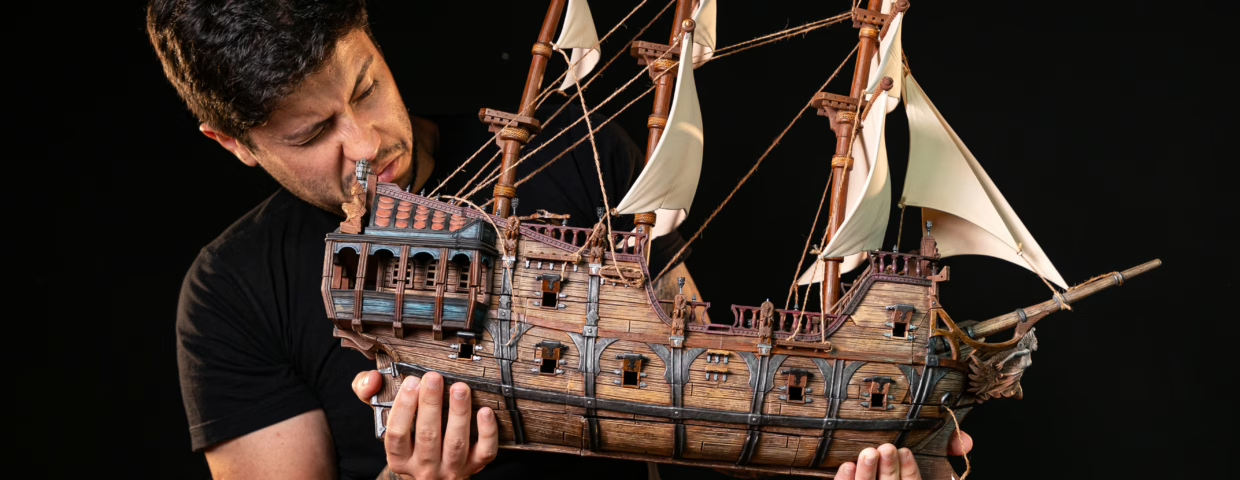
Here’s how Loot Studios works, in one sentence: you pick a plan, choose a monthly Fantasy or Sci-Fi bundle, download the STL files, and print, paint, and play. No mystery boxes. No random assortments. You pick what lands on your table.
That’s the whole loop. Everything below just fills in the details.
The Short Version
Subscribe → choose your bundle → download the files → print → paint → play.
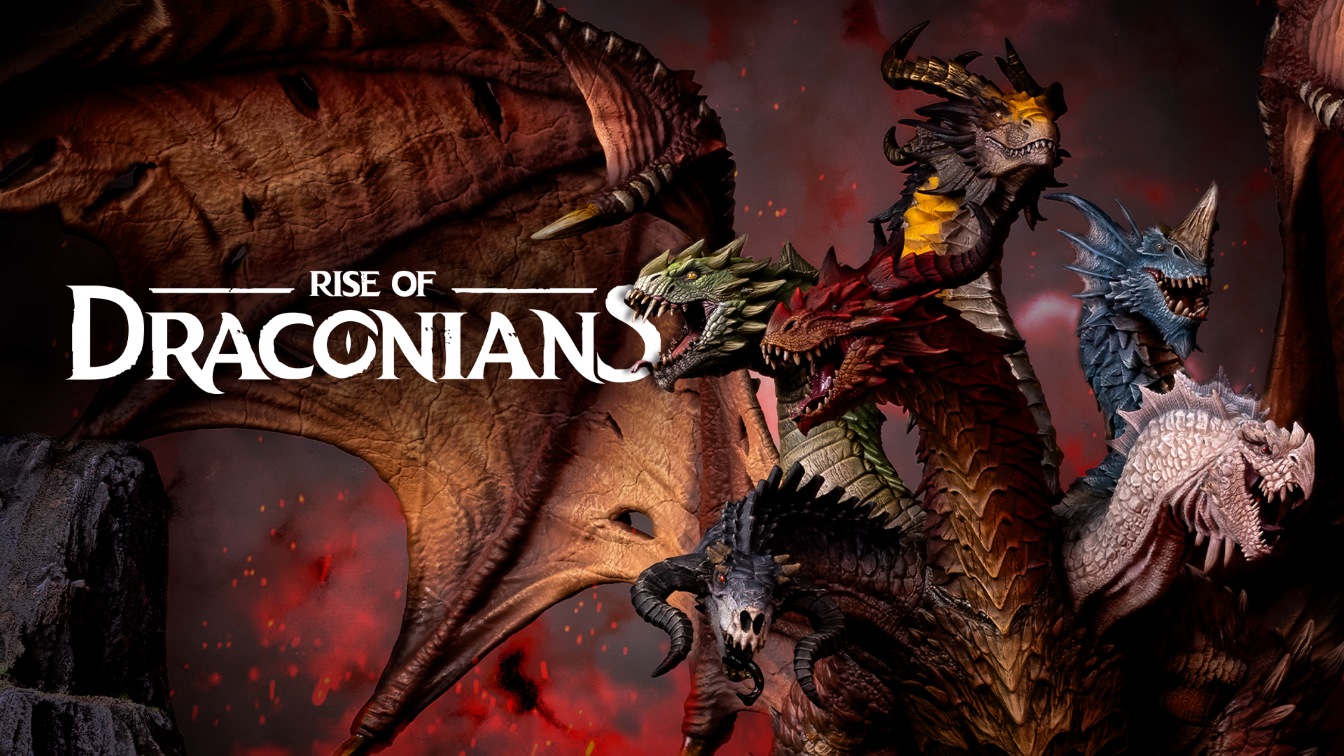
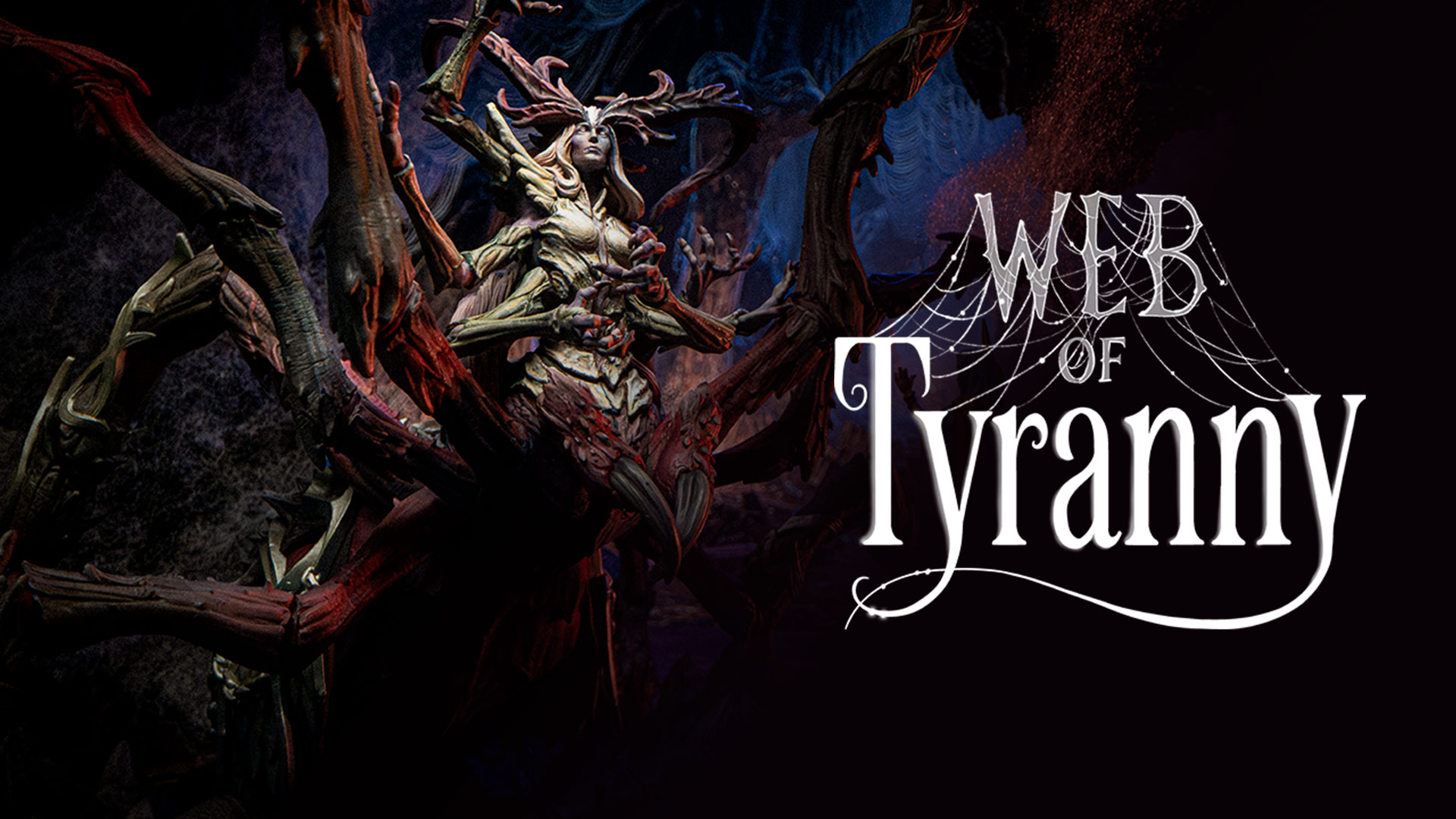
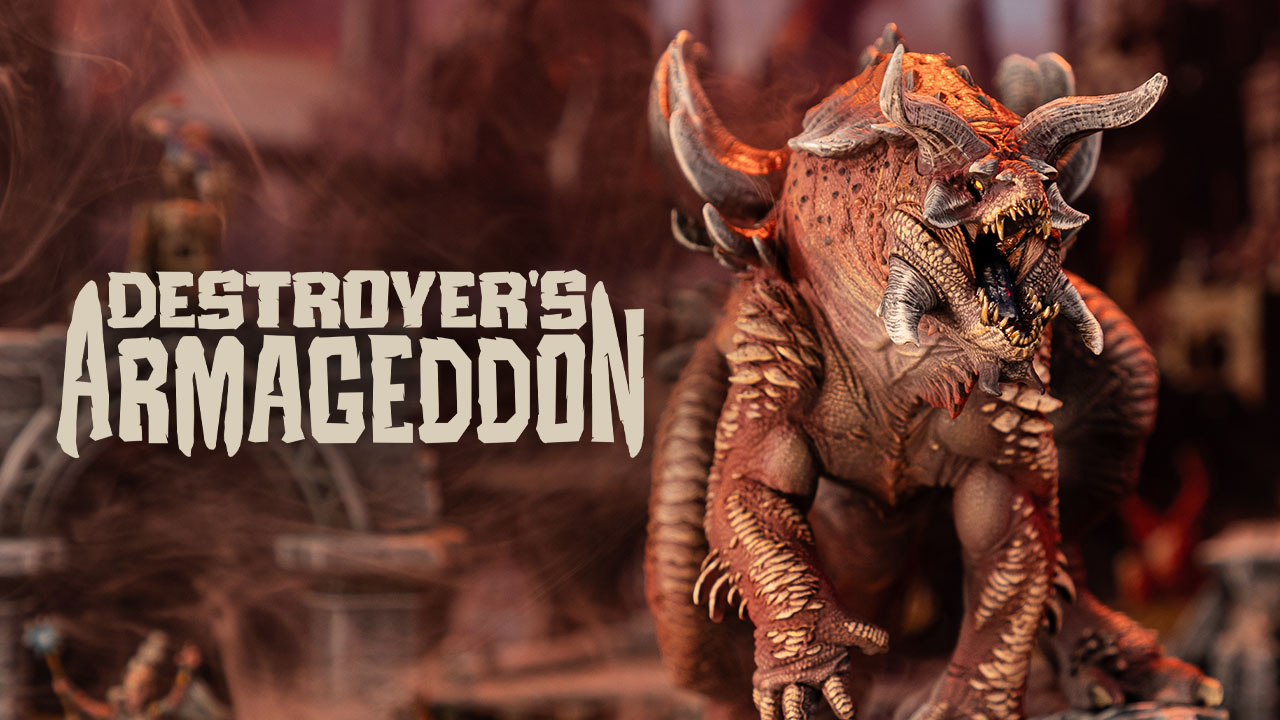
Every month you get one or two bundle choices depending on your plan. Each bundle is a complete themed collection: miniatures, terrain, props, lore, adventures — all built around the same setting. One month it can be a vampire manor, another can be a kobold cave network or even a divine dragon pilgrimage. Not random files, actual adventures in printable form.
Each file is 100% connected to the theme, and each bundle can be used as a one-shot adventure (with all the files needed) or a multiple-session campaign.
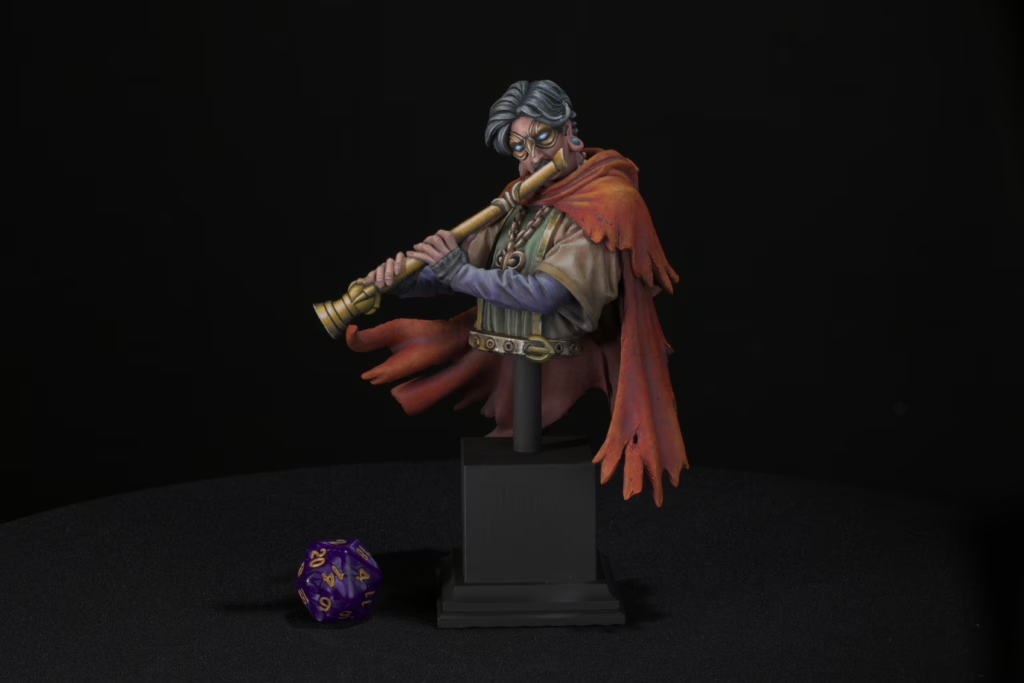
Choose Your Plan
Two plans, no confusion.
- Single Loot gives you one bundle choice per month. That’s it. Simple.
- Double Loot gives you two bundle choices per month. You can mix and match however you want. Two Fantasy, two Sci-Fi, one of each. Whatever fits your campaign.
Most DMs who run campaigns regularly end up on Double Loot. If you’re just getting started with 3D printing or testing the waters, Single Loot is the right move first.
Pick Fantasy, Sci-Fi, or Both
Fantasy bundles drop on the 1st of each month. Sci-Fi bundles drop on the 15th.
Every month on the 1st day, your monthly choice unlocks, and you’ve got 30 days to pick which one you want. Take your time. Look at what dropped, read the lore, decide if it fits your current campaign or your painting queue.
One thing worth knowing: your monthly choices only work on regular monthly bundles. Journeys — the expanded campaign releases like Valhalla and Alfheim — and standalone store items are purchased separately.
Not Sure What the Files Are Like? Print Something First
Before committing, grab the free mini pack. Pre-supported files, ready to slice. It’s a good way to see how your printer handles Loot’s detail level before subscribing. A lot of people decide within the first print whether resin or FDM is their better path for this kind of file.
What Happens If You Forget to Choose?
Life gets busy. If your 30-day window expires without a choice, Loot automatically redeems your selection as the most recent Fantasy bundle. You don’t lose anything — the files land in your account, and you can download them whenever you’re ready.
Download, Print, Paint, Play
Once you’ve claimed your bundle, the STL files are yours permanently. Download them now, or six months from now. Re-slice them for a different printer. Scale them up for display. The files don’t expire.
Then you print, paint, and bring the whole thing to the table.
That’s how Loot Studios works.
Want to know more about Loot Studios? Read our full guide here!
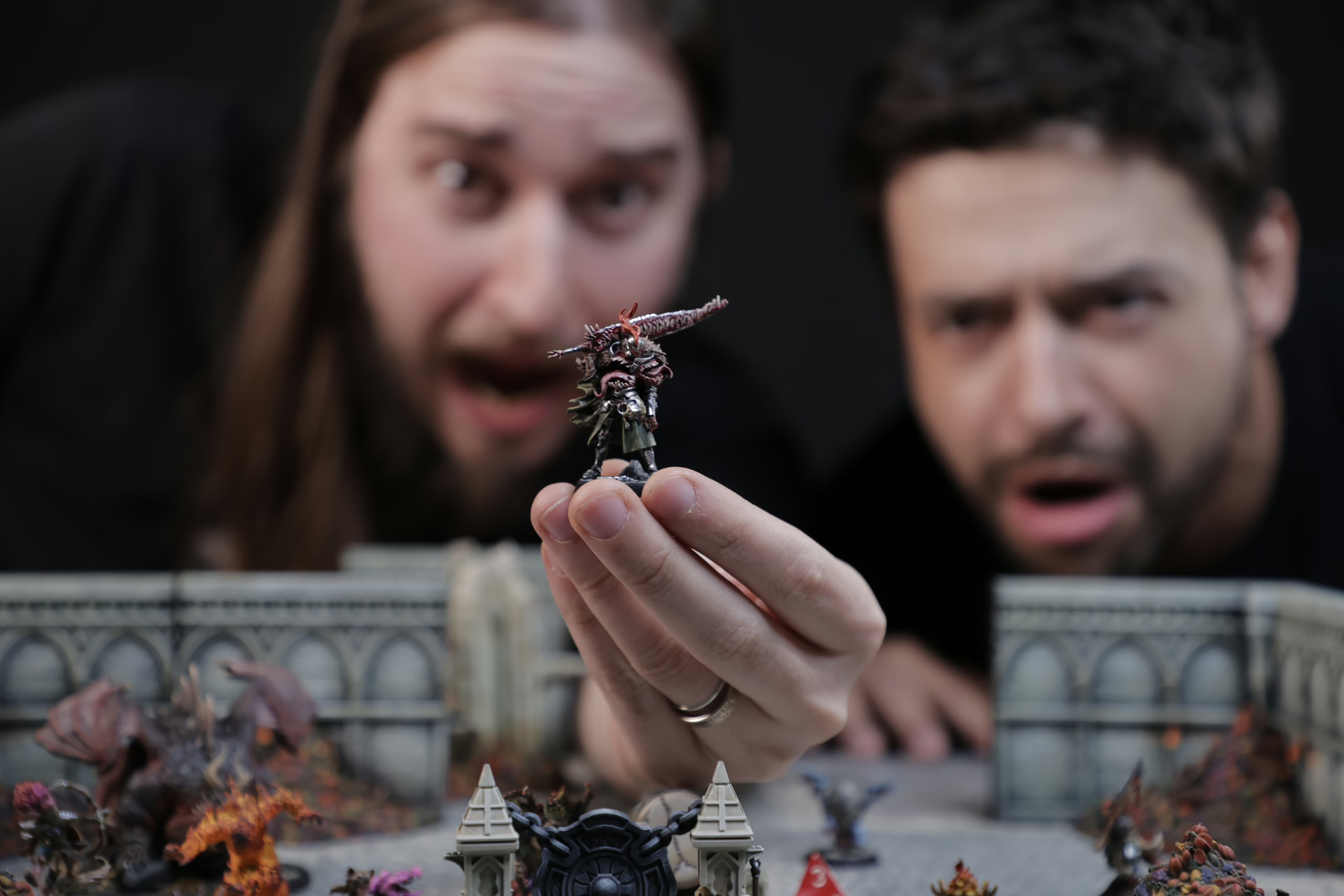
Loot Studios can help you tell your story through highly detailed minis, statues, terrains, busts, and props. Sign up for Loot and choose your favorite bundles from our library of more than 130 options. You can also learn more about our printing and painting process by checking our YouTube Channel.